Table of Contents
For many VC and PE teams, fund administration still lives in spreadsheets. Commitments sit in one file, fee calculations in another and capital call notices in someone’s outbox. Every call means rebuilding pro-rata allocations by hand, and every LP question means checking three versions of the same number.
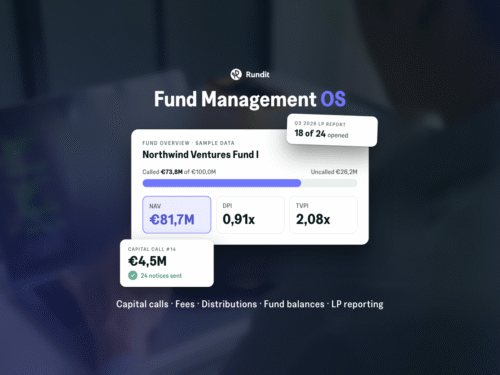
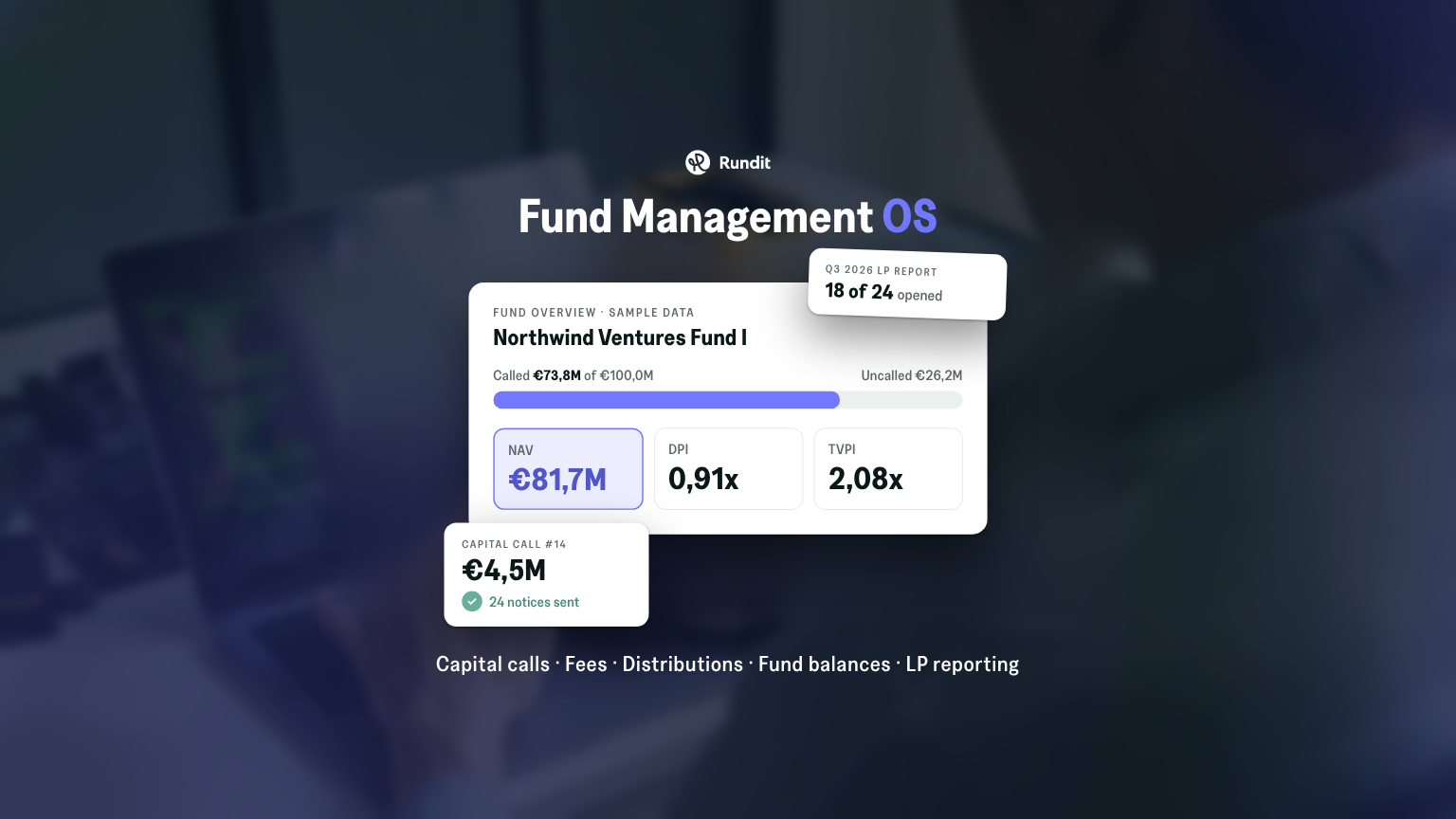
Today we’re launching Rundit Fund Management OS. Fund teams can now admit investors, call capital, charge fees and distribute proceeds in the same platform they already use for portfolio monitoring and LP reporting. Every step is guided and every balance is visible.
Fund operations and portfolio data are usually managed in separate tools, even though LPs see them as one picture. When capital calls, distributions and fund performance live apart from portfolio KPIs, every quarterly report starts with copying, checking and reconciling.
Fund Management OS removes that gap. Fund and portfolio data stay in one system, so the figures in your LP reports come from the same source as your capital calls and fund balances.
Record commitments and closings for every LP in one place. Rundit keeps the fund’s investor base up to date as new closings come in.
Rundit calculates each LP’s pro-rata share of the call and drafts the notices. You review the allocation, send the notices and track payments against what each investor owes.
Management fees are calculated from your fund terms, and distributions are allocated to LPs in proportion to their share of the fund. Both update the fund’s balances automatically.
Fund terms are versioned with effective dates. When terms change, the new version applies from its effective date and the history stays intact, so past calls and fees always reflect the terms in force at the time.
The fund overview shows subscribed, called, paid-in, uncalled, distributed, returned and recallable capital, plus DPI, all as of today. A fund timeline plots every closing, capital call and distribution against the fund’s key dates.
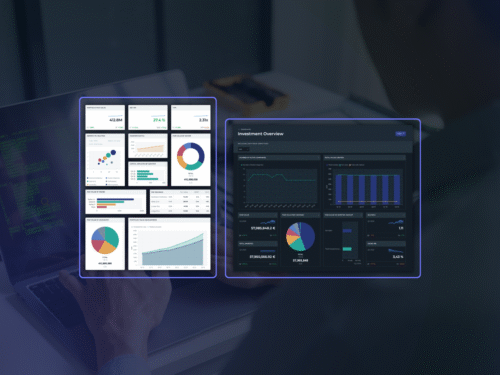
Fund data feeds straight into Rundit’s Fund Overview dashboard, which tracks TVPI, NAV and net IRR. From there, build LP reports in Excel, PDF or as an online report, and see which investors opened and downloaded them.
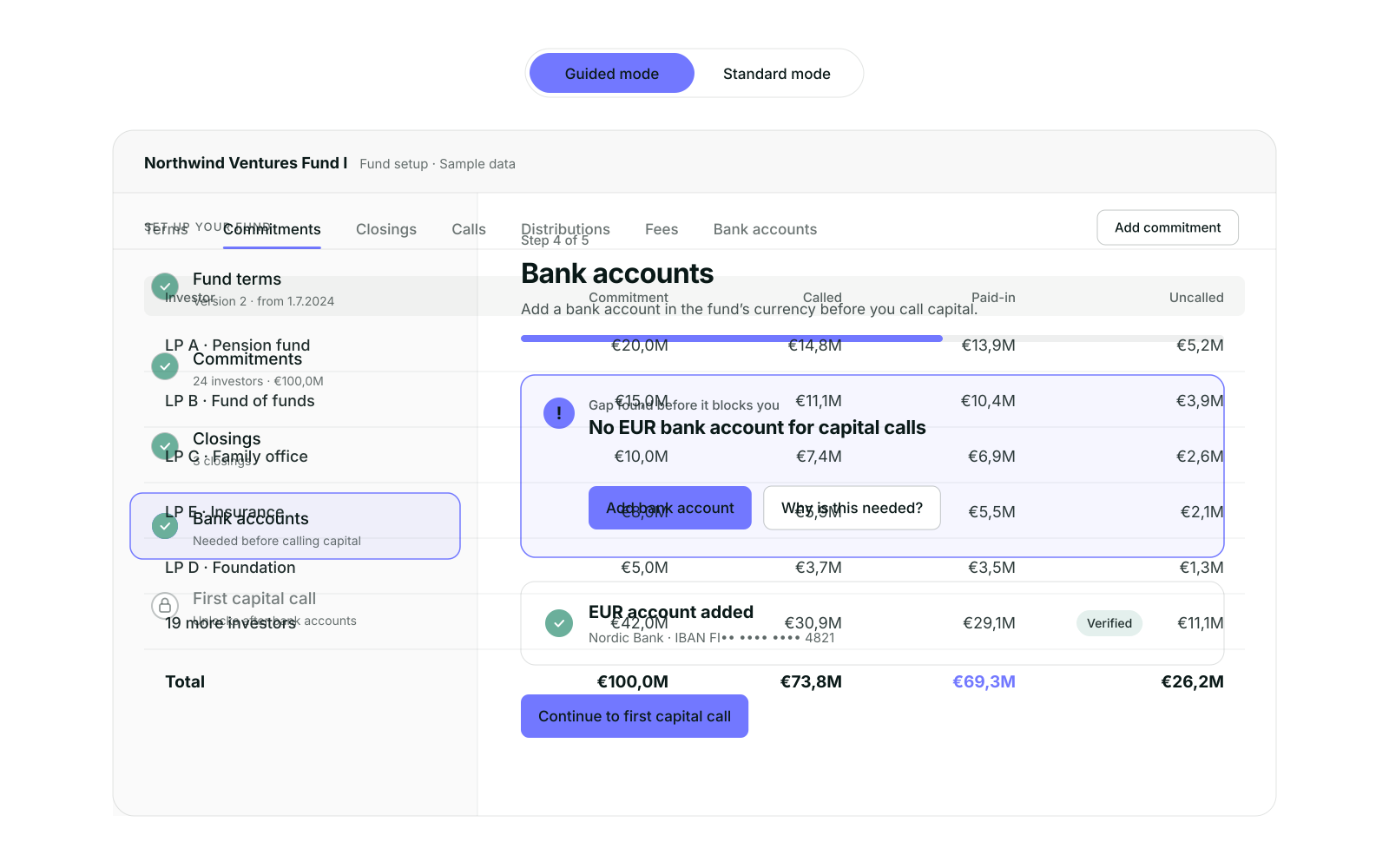
Fund teams work in different ways, so Fund Management OS has two modes:
You can switch between the two at any time.
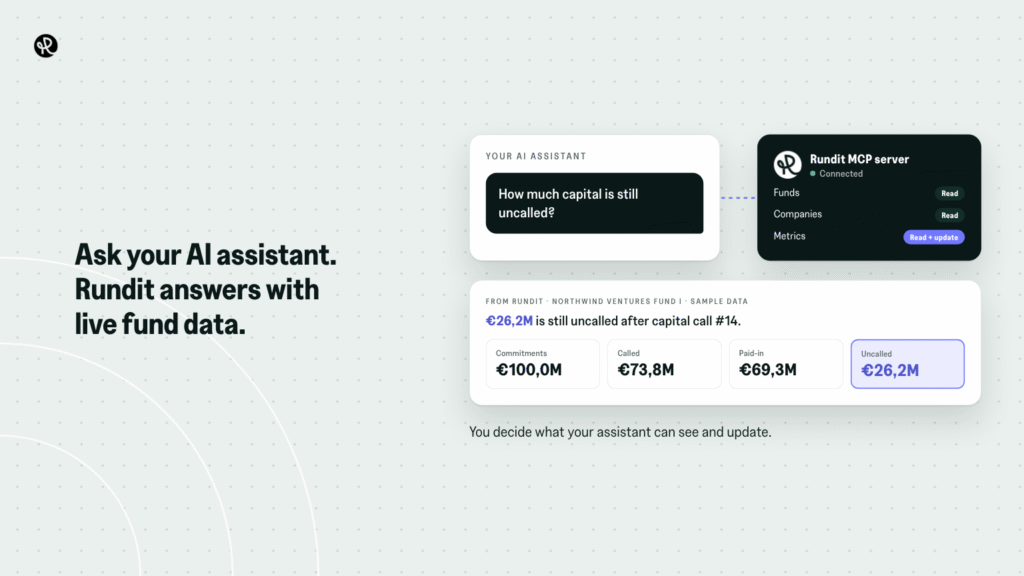
With Rundit’s MCP server, you can connect Claude or any MCP-compatible AI assistant to your Rundit data. Ask questions in plain language, such as “How much capital is still uncalled?”, and get answers from your live fund data.
You stay in control: your assistant only sees and updates what your API key allows, with read or write access set per data type. Read more about Rundit’s MCP server.
Fund Management OS is available now. Book a discovery call and we’ll show you how it would work for your fund, from your next capital call to your next LP report.
Questions? Contact us at support@rundit.com.